When a screen feels like too much
Start gentle. Adjust it yourself.
A small Windows utility
You already use dark mode, Night Light or f.lux. Vignet is the next small tweak: a gentle fade around the display, with the useful centre left clear.
Windows 10/11 · One payment. No account, subscription or usage tracking.
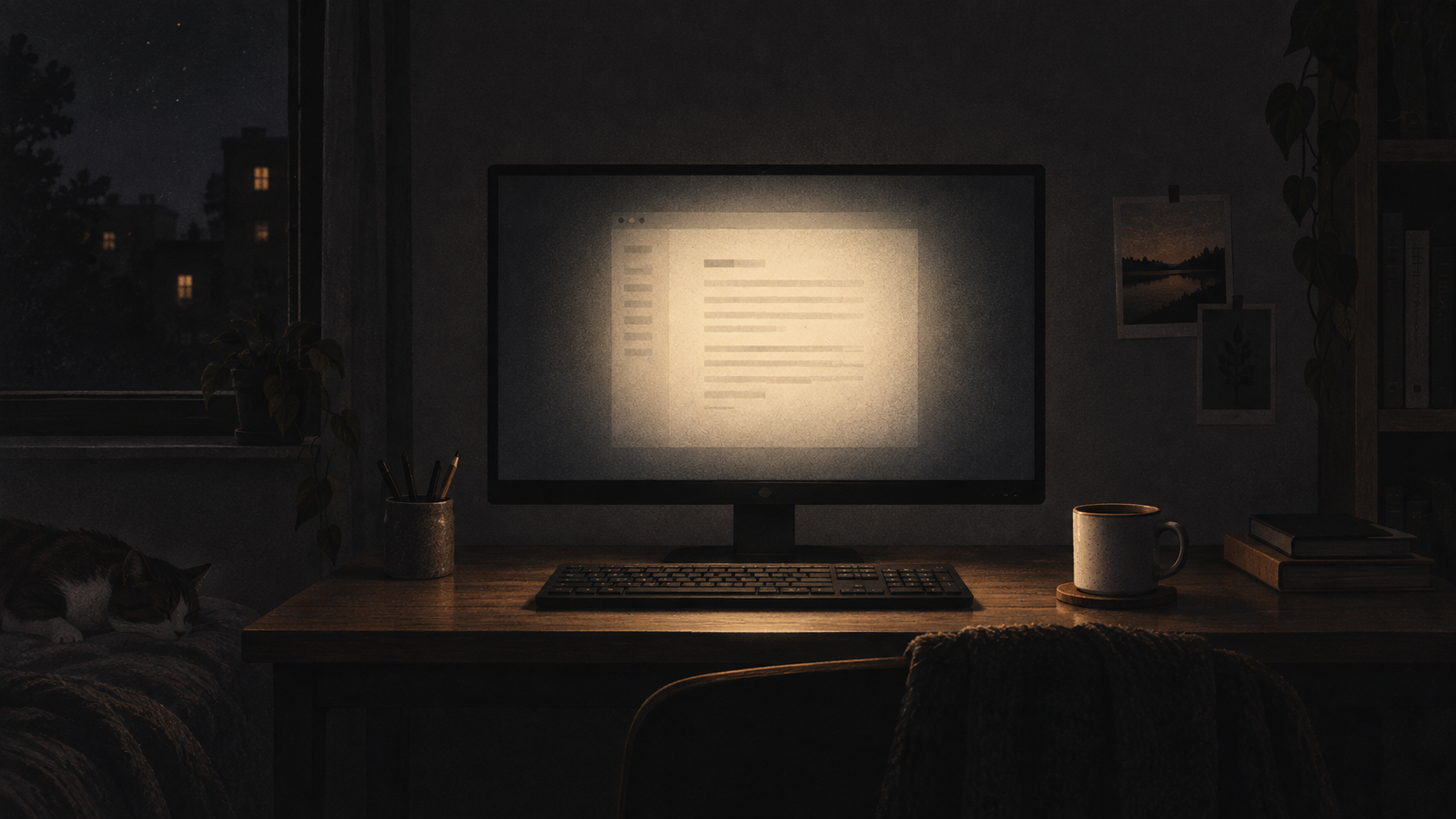
Choose a starting point, then hold the compare button. The centre stays clear; Vignet simply takes some of the visual volume out of the edges.
Vignet is on
Soft edges. Clear centre.
A screen tweak small enough to forget — and obvious when you switch it off.
Start with a preset
This preview runs only inside the page. The Windows app applies the effect to your primary display.
f.lux warms the colour.
Dark mode changes the canvas.
Vignet softens the outside.
Start gentle. Adjust it yourself.
Toggle it instantly with Ctrl + Alt + V.
A normal utility. No account or profile.
Made for the hours after the room goes dark.
$4one-time Windows purchase
Secure payment. Instant download link after purchase.
Yes. Keep f.lux for its automatic colour-temperature changes and use Vignet as a dedicated edge-dimming layer. f.lux also has an experimental vignette effect; Vignet is for people who want that idea as a simple standalone utility.
The current Windows version applies Vignet to the primary display. Multi-monitor controls are planned, but are not in this release.
Vignet is a separate click-through overlay and does not inject into the game. Exact behaviour can vary between fullscreen modes, so use the Ctrl + Alt + V hotkey whenever you want it out of the way.
Capture behaviour can vary by application. Toggle Vignet off with Ctrl + Alt + V before a capture when the result matters.
The current release is for Windows 10 and 11.
It follows the primary Windows display. It cannot affect a console or streaming device connected directly to a TV.